Detecting Azure Workload Misconfigurations Using Azure Quick Review (azqr)
A hands-on lab using azqr to scan an intentionally vulnerable Azure infrastructure for misconfigurations

In this lab, I explore how Azure Quick Review (azqr)—a Microsoft tool—can be used to assess Azure workloads for misconfigurations.
As I discussed in my previous post, azqr is one of several tools organizations can use to gain visibility into the security posture of their workloads and resources.
Lab Setup
The vulnerable infrastructure was deployed using Terraform. The source code is available here.
Prerequisites are listed in the GitHub repo. The repo was originally built to support Prowler, but it works equally well for testing azqr’s capabilities.
After cloning the repo and provisioning the infrastructure with Terraform (instructions are in the GitHub repo), the next step is to install azqr.
From the official repo, there are two ways to install it:
winget install azqr
OR
Set-ExecutionPolicy Bypass -Scope Process -Force; [System.Net.ServicePointManager]::SecurityProtocol = [System.Net.ServicePointManager]::SecurityProtocol -bor 3072; iex ((New-Object System.Net.WebClient).DownloadString('https://raw.githubusercontent.com/azure/azqr/main/scripts/install.ps1')) Since I was using PowerShell at the time, I went with the latter option. This one-liner downloads and runs the azqr install script directly from GitHub.
The script drops the azqr.exe executable in the current working directory. I moved it to a dedicated Azqr/ folder inside Program Files/ for easier access.
Running azqr
Now that azqr is installed, let’s look at a few of its flags and options:
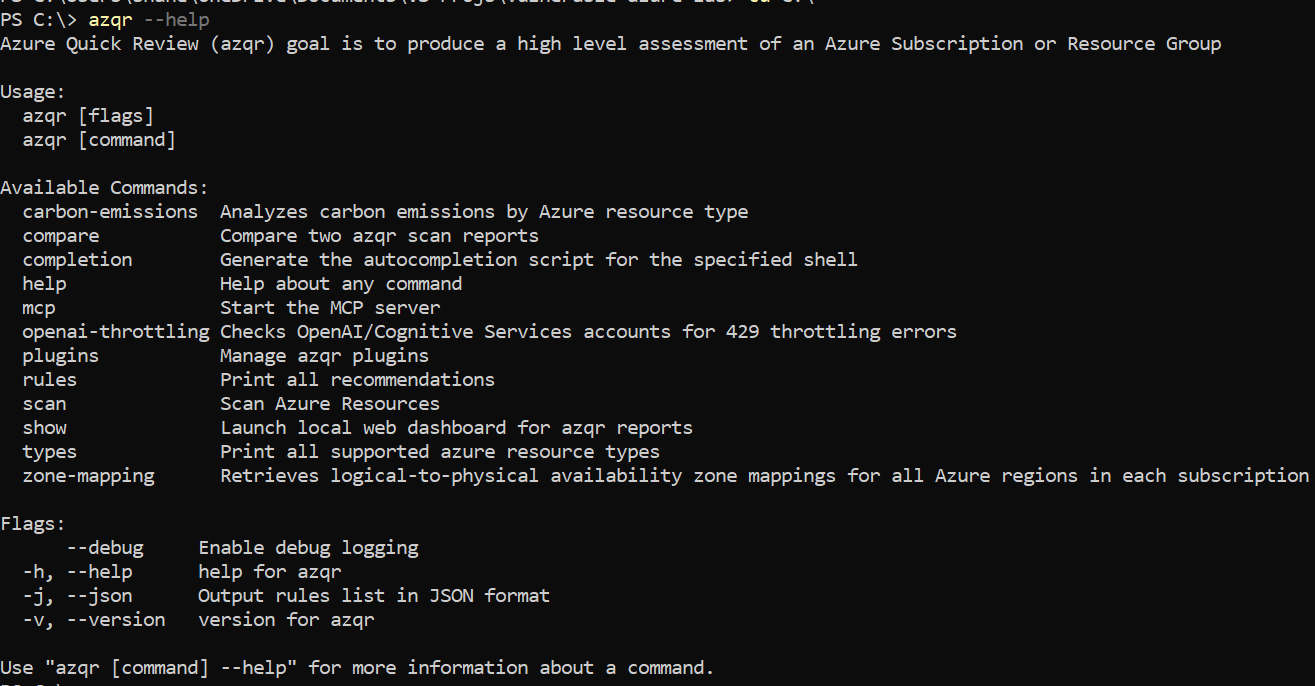
The option we’re interested in is scan, which allows us to scan a subscription for misconfigurations.
Syntax for the scan command:
azqr scan -s <SUB_ID> The scan command offers several additional flags and options, the most notable being:
- Scanning specific resources only.
--filterto apply a filter (in YAML format).-gto scope the scan to a specific resource group.--xlsx,--csv,--stdoutfor different output formats.
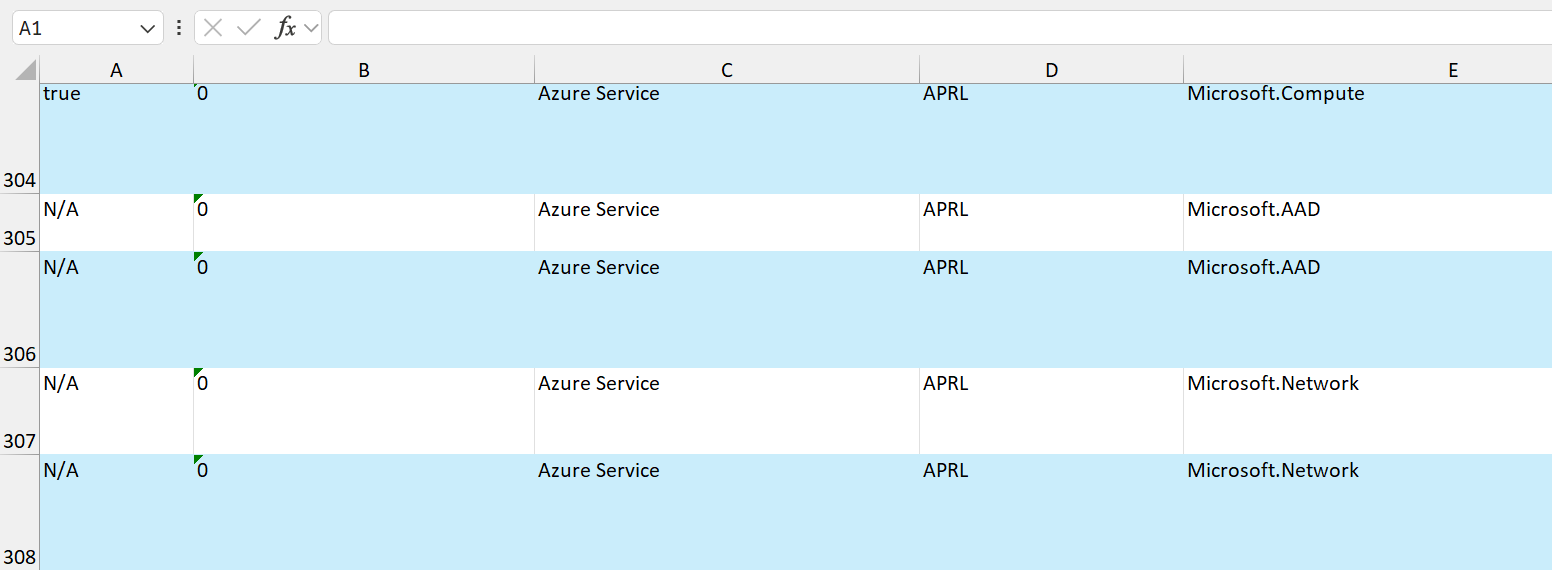
Running a scan with just the -s <SUB> flag produces an .xlsx file containing all findings. For example:
Limitations of azqr
While azqr is an excellent assessment tool for Azure workloads, its output formats are not particularly user-friendly.
Part of my motivation for documenting azqr was to understand its inner workings, with the goal of building a more readable and accessible front-end. The idea is that users interact through a web UI, which in turn invokes the CLI to initiate scans and present results in a cleaner format.